
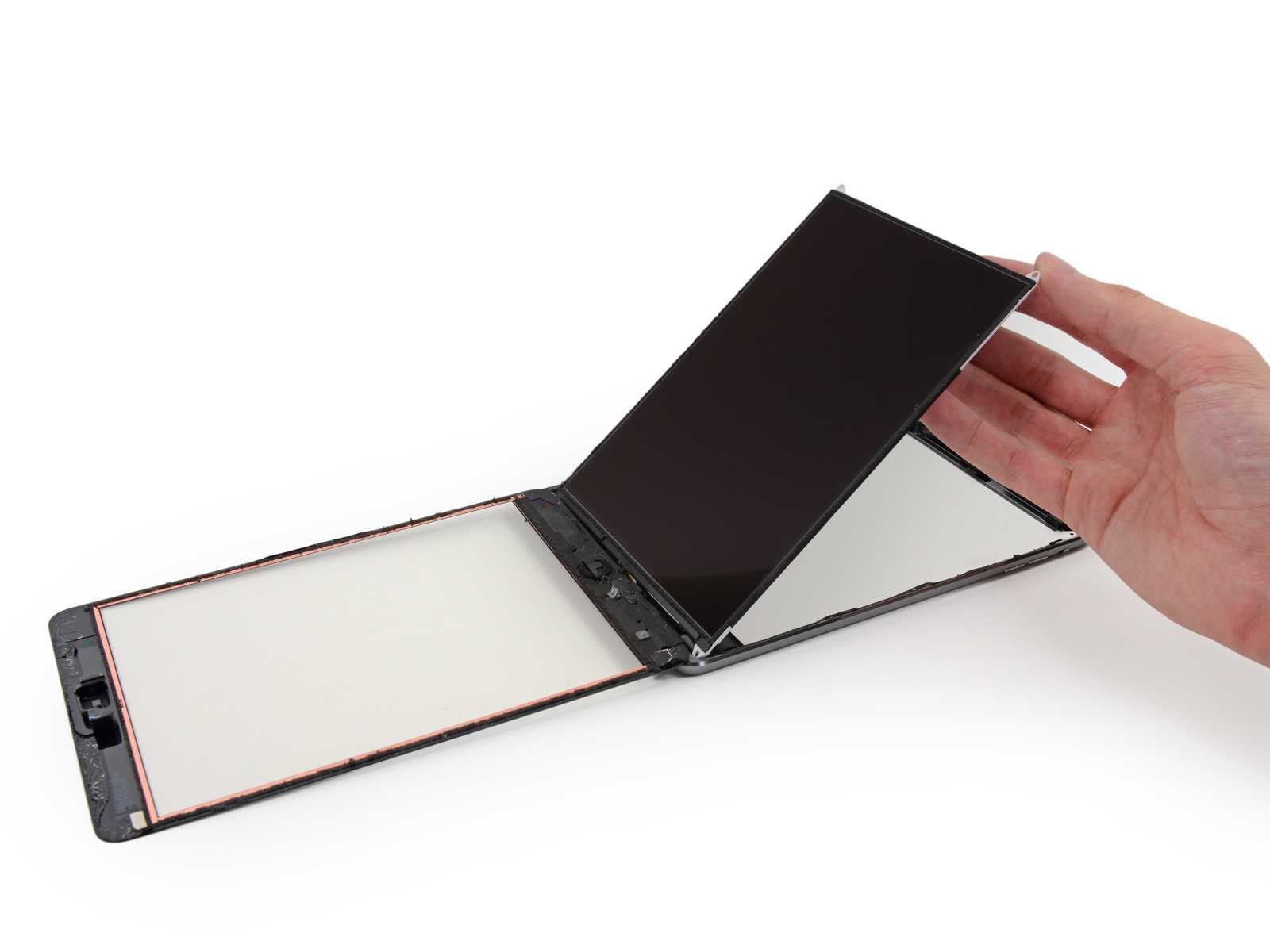
iPad No Image | No Backlight
No Image on iPad: Troubleshooting Display and Power Issues
If you’re facing a situation where there is no image on iPad, it’s important to differentiate between a display issue and a power problem to effectively diagnose the fault.
Start by checking whether the iPad powers on. Connect it to a computer (Finder or iTunes). If it’s detected, the device is likely on and the issue may be display-related.
If it is not detected or shows no current draw, the issue may involve battery failure, board-level damage, or power rail faults.
Also check for backlight activity. A dim or invisible image often indicates backlight circuit issues, display failure, or connector damage. Water damage and corrosion are also common causes.
Proper diagnosis involves testing power, backlight, and display data lines step-by-step to isolate the fault.
iPad Mini
| iPad Mini 1 (A1432/A1454/A1455) | $49 |
| iPad Mini 2 (A1489/A1490/A1491) | $49 |
| iPad Mini 3 (A1599/A1600) | $49 |
| iPad Mini 4 (A1538/A1550) | $59 |
| iPad Mini 5 (A2133/A2124/A2126) | $79 |
| iPad Mini 6 (A2567/A2568) | $99 |
| iPad Mini 7 (A17 Pro models) | $129 |
iPad (Standard)
| iPad 1–4 (all models) | $49 |
| iPad 5 (2017) | $69 |
| iPad 6 (2018) | $69 |
| iPad 7 (2019) | $79 |
| iPad 8 (2020) | $79 |
| iPad 9 (2021) | $89 |
| iPad 10 (2022 USB-C) | $99 |
| iPad 11 (2024 models) | $119 |
iPad Air
| iPad Air 1 | $69 |
| iPad Air 2 | $69 |
| iPad Air 3 | $79 |
| iPad Air 4 | $99 |
| iPad Air 5 (M1) | $119 |
| iPad Air 6 (M2) | $139 |
iPad Pro
| 9.7″ iPad Pro | $99 |
| 10.5″ iPad Pro | $99 |
| 11″ Pro (1st–4th Gen) | $149–$179 |
| 12.9″ Pro (1st–6th Gen) | $169–$199 |
| 11″ M4 iPad Pro (2024) | $199+ |
| 13″ M4 iPad Pro (2024) | $229+ |