
Mail In & Shipping Instructions
Mail-In Shipping Instructions for Trílex Fix
Follow these steps to safely mail your device to Trílex Fix.
If you need an estimate,
contact us.
Local customers can also
book an appointment.
“Oh Boy, Here I Go Fixing Again!!!”
Already have an active repair?
Use the
Trílex Fix Repair Tracker.
Step 1: Choose Your Shipping Carrier
Please use USPS, UPS, FedEx, or DHL when shipping your device to Trílex Fix.
For smaller electronics, USPS Ground Advantage or Priority Mail can be convenient.
Use a tracked shipping service and consider insurance and signature confirmation for valuable devices.
⚠️ DO NOT USE UNIUNI
Do not use UniUni to ship a device or package to Trílex Fix.
UniUni does not reliably deliver to our P.O. Box shipping address, and packages shipped through UniUni may be refused, returned to the sender, misdelivered, lost, or stolen.
If you choose to ship through UniUni despite these instructions, Trílex Fix is not responsible for the package if it is lost, stolen, misdelivered, undeliverable, refused, or returned back to you.
Please use USPS, UPS, FedEx, DHL, or another carrier that can properly deliver to the applicable address listed below.
USPS ONLY
Trílex Fix
P.O. Box 22
Oxnard, CA 93032-7003
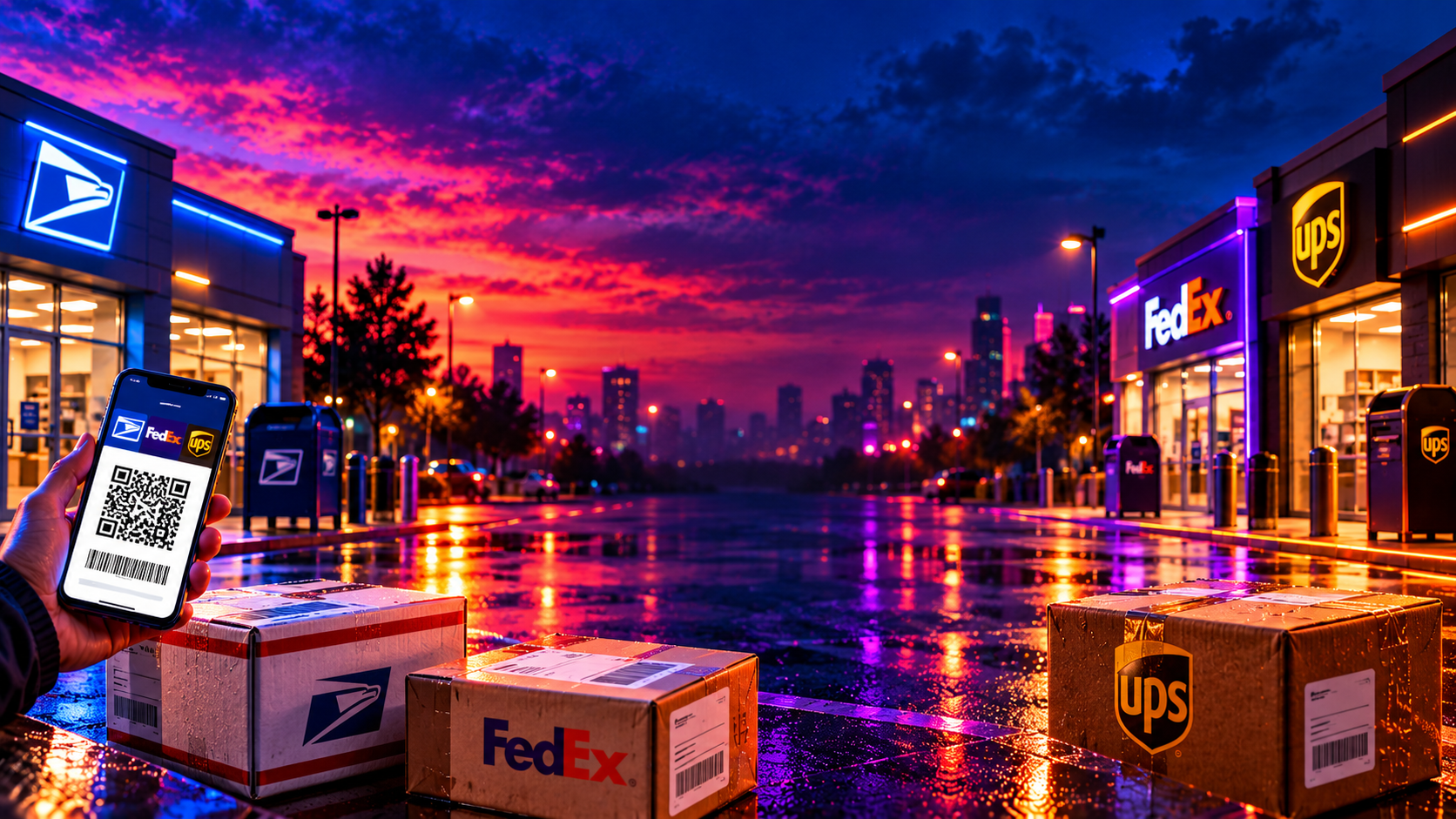
📦 USPS QR Code / No Printer Guide
UPS, FedEx & DHL
Trílex Fix
350 S A St, Unit 22
Oxnard, CA 93032-7003
⚠️ DO NOT SHIP TO THE STOREFRONT
300 Montgomery Ave, Oxnard, CA 93036 is for in-person repair service only.
Packages mailed there may not reach us.
Step 2: Pack Only What We Need
Use a sturdy box with enough padding so the device cannot move around during shipping.
Send the device only unless an accessory is directly related to the problem or we specifically request it.
- Do not include unnecessary chargers, power cords, HDMI cables, cases, headstraps, controllers, discs, cartridges, memory cards, or external drives.
- Do not send loose lithium batteries unless we specifically request them.
- Remove protective cases and decorative skins when possible.
- If the device is modified, soft-modded, previously repaired, or has a special configuration, include a note explaining it.
- For retro or unusual devices, contact us first if you are unsure what accessories we need for testing.
Do not ship desktop PCs or iMacs.
Because of their size, weight, and shipping risk, these should be serviced locally in Oxnard.
Step 3: Submit the Mail-In Repair Form
Before shipping, complete the
Mail-In Repair Request Form
.
This gives us the information needed to identify and process your device when it arrives.
For mail-in repairs, your ticket lookup uses the
last 5 digits of the phone number you provided.
It is helpful to place those last 5 digits inside the box with your device.
Only provide a device password or login information if it is reasonably necessary for testing.
You may change the password after your device is returned.
Step 4: Rush Service (Optional)
If you purchased or requested Rush service, clearly write
RUSH on the outside of the package.
Rush service provides priority handling when possible, but it does not guarantee a specific completion date or successful repair.
How to Package Your Device for Trílex Fix
Watch this quick video if you are unsure how to safely package your device before shipping.
What Happens After Your Device Arrives?
Once your package arrives, we inspect and check in the device, create your repair ticket, perform diagnostics and repair work as needed, test the completed repair, collect any remaining payment, and prepare the device for return.
If additional work would exceed your approved repair amount or Price Cap, we will contact you before proceeding.
You can follow available updates through the
Trílex Fix Repair Tracker
.
